






The Glass Shield: How Google Drive is Rethinking the Ransomware War
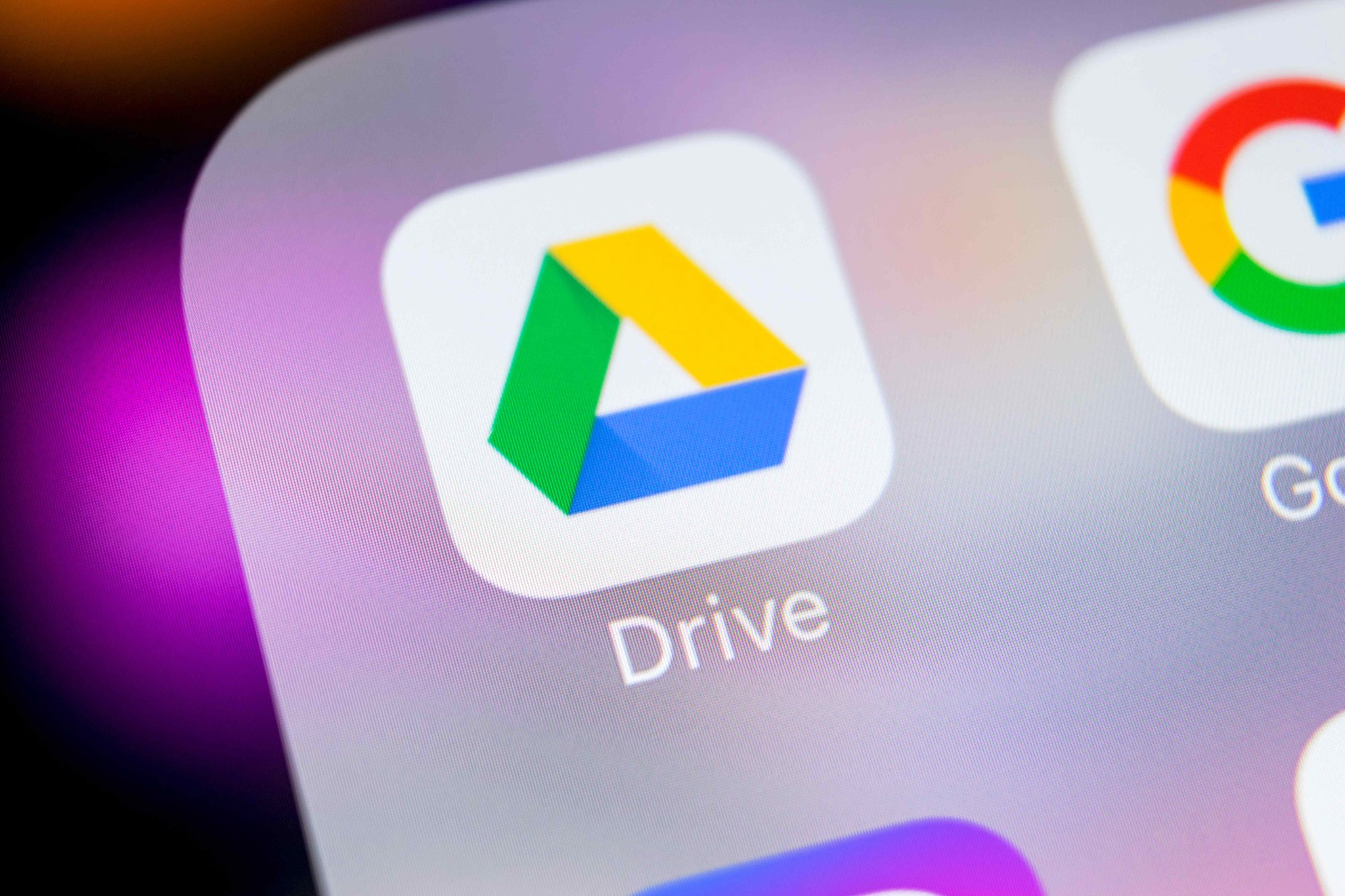
Late on a Thursday evening, a lone developer in a home office clicks a link that looks like a routine invoice. Within seconds, the cursor begins to stutter. Files on the desktop start flickering, turning into unreadable strings of gibberish. This is the digital equivalent of a silent house fire, and usually, the smoke doesn't clear until a ransom note appears on the screen.
For years, we believed the cloud was our fire escape. If the local machine burned, our files lived safely in the glowing servers of Northern California. But ransomware evolved. Modern strains don't just lock your laptop; they crawl up the sync cable and poison your cloud backups too. Google has finally decided to build a better airlock.
The Sync Trap and the New Guard
The problem with modern storage is its greatest strength: it is too fast. When a virus encrypts a file on your hard drive, Google Drive sees a 'change' and faithfully replicates that destruction across all your devices. It is a suicide pact between your local folder and the server. By the time you realize your photos are gone, the cloud version is already encrypted.
Google’s new strategy focuses on detection rather than just storage. The system now monitors for the specific signature of a mass-encryption event. If a sudden wave of files starts changing in ways that suggest a malicious takeover, the system can intervene. It acts less like a passive warehouse and more like a vigilant bouncer watching for suspicious movements at the door.
The cloud used to be a mirror of our mistakes; now it wants to be the memory that survives them.
This isn't just about stopping the encryption. It is about the cleanup. Google is streamlining the version history process, allowing users to roll back their entire drive to a timestamp before the infection took hold. It turns a catastrophic data loss into a minor annoyance, provided you catch it in time.
The Gated Community of Security
There is a catch that feels all too familiar in the world of big tech. These new safety nets aren't dropping for everyone at once. The most advanced protections are currently circling the wagons around Workspace customers—the businesses and power users who pay a monthly premium for their digital real estate. Individual users on free accounts are watching from the outside, waiting for their turn to be shielded.
This divide creates a tiered sense of safety. While the technology to identify and isolate ransomware exists, its deployment is being used as a differentiator. For a startup founder, this is a clear signal that data integrity is becoming a premium service rather than a basic right. You are paying for the peace of mind that a single bad click won't erase five years of work.
Managing this risk involves more than just toggling a setting. It requires a fundamental shift in how we view the 'Sync' button. We used to think of it as a convenience that made our files available everywhere. Now, we have to recognize it as a potential bridge for an attacker to walk across.
Human Error and the Last Line of Defense
No matter how many layers of code Google wraps around our documents, the weakest link remains the person holding the mouse. Social engineering remains the primary way these digital lockouts begin. A fake software update or a spoofed email from a colleague provides the keys to the kingdom that no algorithm can fully protect.
The tech giant's move is an admission that we can no longer prevent every intrusion. Instead, the focus has shifted to resilience. If the wall is breached, how quickly can we rebuild the city? By making the recovery process more intuitive, Google is trying to strip ransomware of its primary weapon: the ticking clock and the fear of permanent loss.
As we move more of our lives into these invisible cabinets, the definition of ownership changes. We don't just own the data; we own the ability to retrieve it when things go wrong. Whether these tools will eventually reach the billions of free users remains the big question. For now, the digital fire remains hot, and only some of us have insurance.
You have to wonder, the next time you see that little syncing icon spinning in the corner of your screen: is it saving your work, or is it waiting for a mistake?

Free PDF Editor — Edit, merge, compress & sign