







Why the Latest Carte Vitale App Update Is Breaking Your Workflow
Why should you care about a government app update?
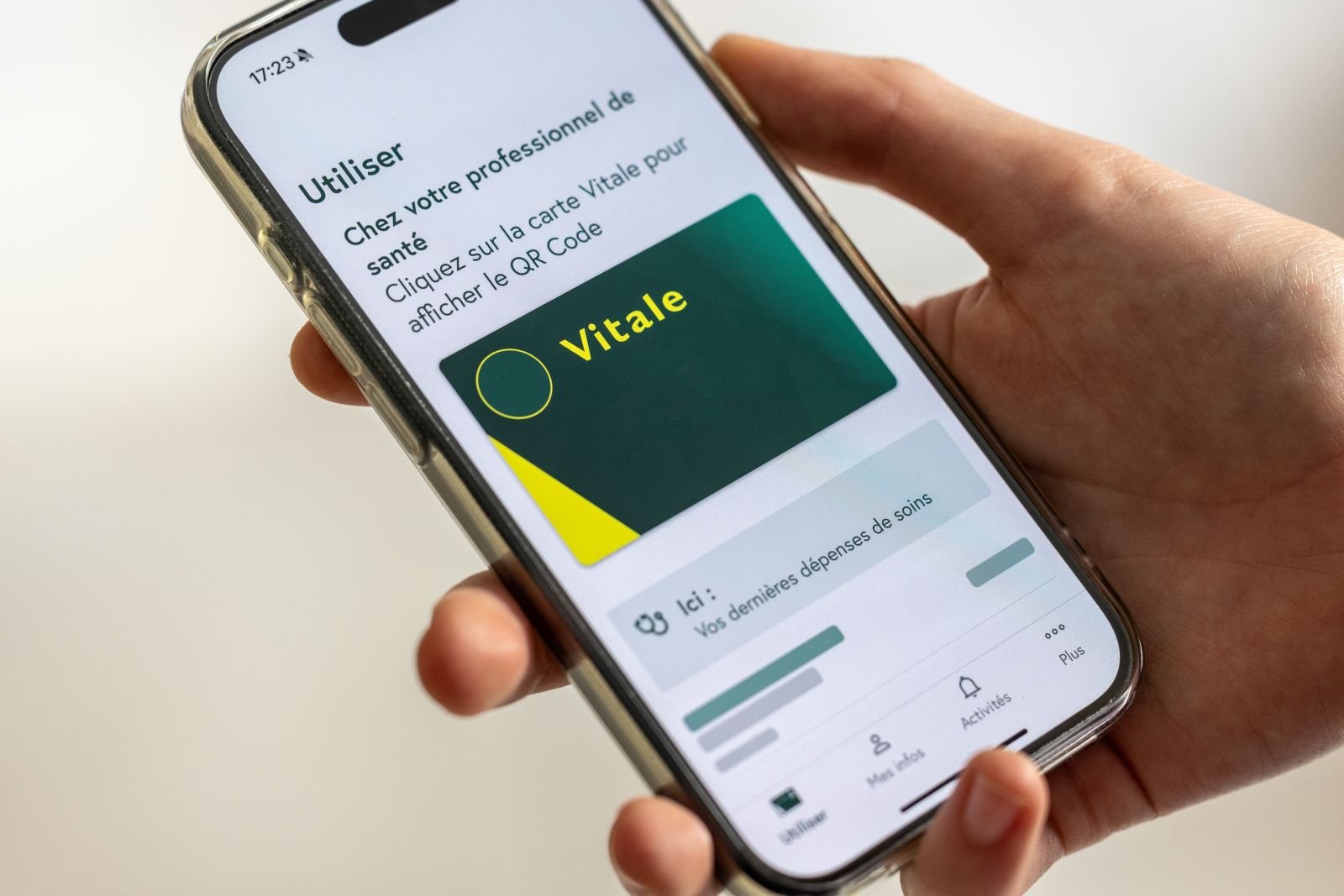
If you are building authentication systems or handling sensitive user data, the recent update to the French Carte Vitale mobile app is a case study in extreme security choices. To protect health data, the developers have disabled standard system features that most users rely on daily. This move prioritizes hardened security over basic usability, creating a friction-heavy experience that could alienate non-technical users.
For developers, this serves as a warning. When you disable native OS features like clipboard access or password manager integration, you aren't just stopping hackers; you are breaking the mental model of how people use their phones. Understanding the fallout of these choices helps you decide where to draw the line in your own security architecture.
What exactly did they break?
The latest iteration of the app introduced several aggressive restrictions designed to prevent data leakage and automated attacks. While the intent is clear, the execution has caused significant frustration for the user base. Here is what has been disabled:
- Password Manager Integration: The app now blocks
AutoFillservices. Users can no longer use tools like Bitwarden, 1Password, or iCloud Keychain to enter their credentials. - Clipboard Access: Copy-pasting is restricted. If a user generates a secure, complex password in a separate app, they are forced to transcribe it manually, character by character.
- Screen Recording and Screenshots: The app prevents the OS from capturing the screen, which is a standard banking-grade security measure but complicates remote support for elderly users.
These changes effectively force users toward less secure habits, such as writing passwords on paper or choosing shorter, weaker pins that are easier to type manually. It is a classic example of security measures backfiring by ignoring human behavior.
Is this level of friction necessary for your product?
Most startups do not need to go this far. Unless you are building for highly regulated sectors like national defense or core healthcare infrastructure, the trade-off usually isn't worth the support overhead. Disabling AutoFill is particularly risky because it discourages the use of unique, high-entropy passwords.
If you are considering similar restrictions, evaluate these alternatives first:
- Use Biometric Authentication (FaceID/TouchID) to bridge the gap between security and convenience.
- Implement App Shielding tools that detect screen sharing without breaking the clipboard.
- Stick to Native Frameworks for input fields so you don't accidentally break accessibility tools used by people with disabilities.
Watch how the public reacts to this update over the next few weeks. If the friction leads to a massive drop in adoption, it serves as a clear signal that even for government-mandated tools, usability is a hard requirement for success. Stick to standard security patterns unless you have a legal mandate to do otherwise.
UGC Videos with AI Avatars — Realistic avatars for marketing